
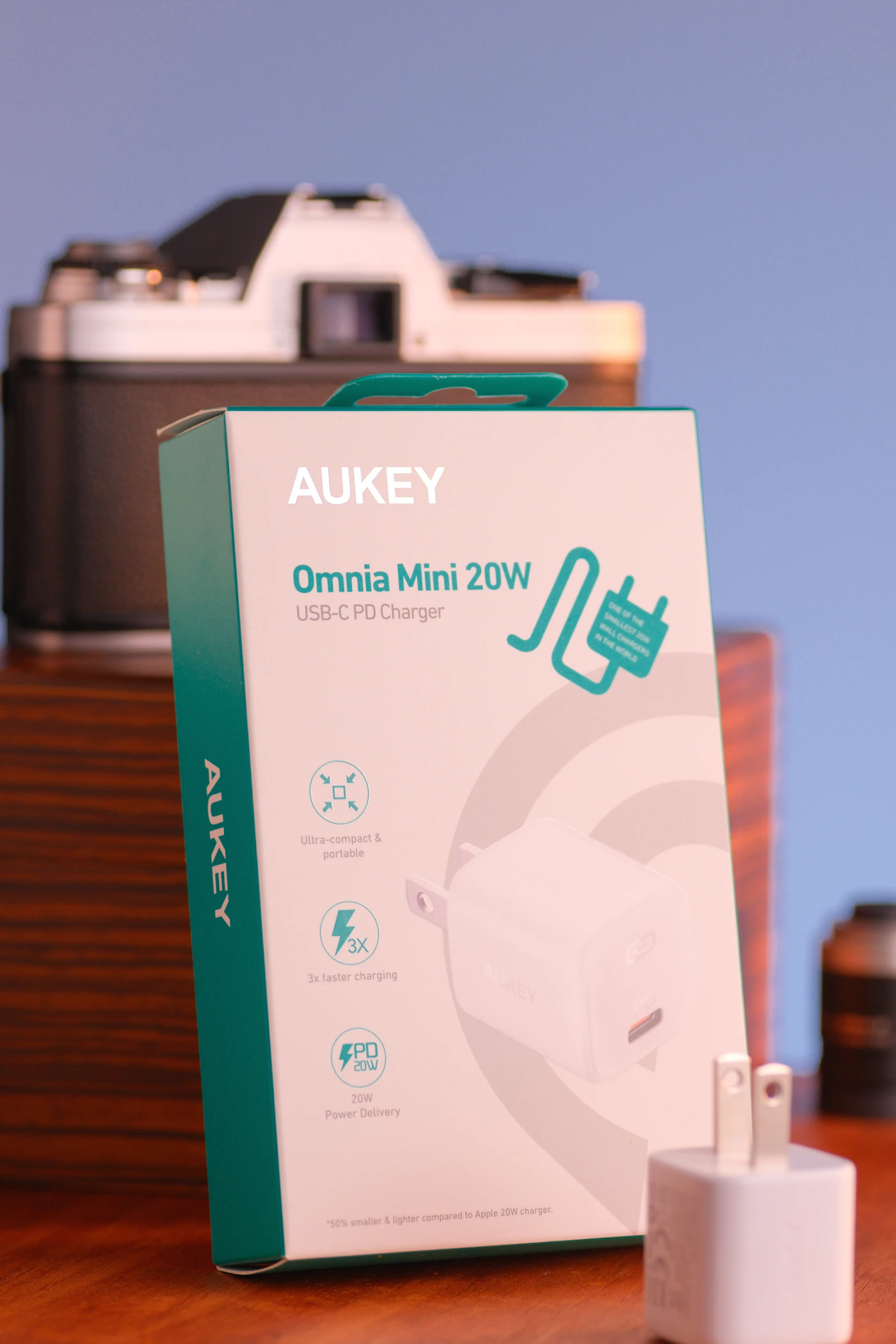
The hotel room has one convenient outlet, your phone is nearly empty, and tomorrow’s presentation is still on a laptop that needs charging. This is where a travel charger earns its place. The most useful model is not necessarily the smallest or the one with the largest number on its box. It is the one that powers the devices you actually carry in the order you actually use them.
Imagine a three-night trip with a lightweight laptop, phone, and earbuds. The laptop spends the evening on the desk, while the phone charges beside the bed. That routine may justify two separate charging points, even when a single multiport charger looks neater in a packing photograph. Start with the room and the routine, then choose the hardware.
Make a device-and-power list
Write down each device, its charging connector, and the power recommended in its manufacturer’s documentation. A USB-C socket alone does not tell you which charging profiles a device accepts. Some computers also have USB-C ports that are unsuitable for charging. Check the manual for the exact model, rather than borrowing a specification from a similar-looking machine.
The adapter supplied with your laptop is a useful starting point, though its wattage is not always a strict minimum for every situation. A lower-power compatible charger might charge slowly or fail to keep up during demanding work. If travel includes video editing, gaming, or lengthy calls, select for that workload rather than for charging a sleeping computer overnight.
Separate necessities from optional items. Earbuds that last several days do not need a dedicated port every night. A camera battery charged through a proprietary cradle might require the original charger. Listing these details prevents a supposed universal solution from creating an extra purchase at the airport.
One port or several?
The Anker 715 Nano II 65W illustrates a compact single-port approach: Anker lists one USB-C output with a maximum of 65W. That makes its role easy to understand. You connect one compatible device at a time. It belongs on a shortlist when the laptop can charge first and the phone can charge later, not when both need independent fast charging simultaneously.
A multiport adapter makes more sense for a family evening with two phones and a tablet. Read its power-allocation table before buying. The total rating on the front is not a promise that every socket supplies that amount. Connecting a second device can change the allocation to the first. Reserve the strongest port for the computer and compare the remaining allocation with the other devices’ requirements.
Do not pay for four ports merely because four devices appear on your inventory. Ask how many must charge at the same moment. A two-port charger plus the laptop’s own USB output may already cover low-demand accessories, provided the computer supports that use.
Treat the cable as part of the charger
A capable adapter paired with an unsuitable cable can disappoint. Check the cable’s documented power rating and connector type. Charging capability and data capability are separate specifications: an expensive high-power cable is not automatically a fast file-transfer cable or a monitor cable.
Choose length for the likely location. A short cable suits a crowded café table but may leave the phone dangling beside a high hotel outlet. One longer cable and one shorter cable are often more useful than a matching set of identical lengths. Avoid putting tension on connectors or laying a cable across a walkway.
If your phone uses Lightning, remember the appropriate cable. Replacing the wall adapter does not replace the connector on the phone. Pack a known working combination and keep a spare cable only when a failure would meaningfully disrupt the trip.
International travel needs two checks
Inspect the adapter’s printed input-voltage range and the outlet type at your destination. A plug-shape adapter and a voltage converter do different jobs. Anker lists 100–240V input for the 715, but that specification should be checked again on the particular regional unit you purchase. It does not turn a US plug into a UK or Australian plug.
Also check the travel adapter’s electrical rating and physical fit. A heavy charger hanging from a loose converter can be awkward even if the electrical specifications match. If several people share one outlet, a suitably rated travel solution with enough spacing can be more useful than another tiny brick.
A practical purchasing checklist
- Confirm the laptop’s charging port and recommended power.
- Read single-device and simultaneous-device output tables.
- Check the cables you already own before adding new ones.
- Verify local plug shape and input voltage for the regional product.
- Include any required adapter in the total purchase cost.
- Prefer a seller with a clear return policy and identifiable product model.
After delivery, connect your actual travel devices at home. Run a normal work session, connect the phone, and check whether charging behavior remains acceptable. This is more informative than discovering a mismatch on a train. Keep the original laptop adapter available until the new combination has earned your confidence.
What to buy for your routine
Choose a single-port compact charger if you travel lightly and can stagger charging. Choose a multiport design if simultaneous charging is a daily requirement, then buy enough combined output for that situation. Keep the supplied laptop adapter if your computer has special power needs or if replacing it saves very little weight.
Check current availability and the exact regional specifications through the manufacturer’s listing. A larger wattage number is useful only when it solves an identified problem. For charging away from an outlet, read our day-out power bank guide. For a computer that also needs peripherals, compare a USB-C hub with a desk dock.
EXPLORE THE OPTIONS
Products worth a closer look
Compare the current specifications, local availability, and returns policy before deciding.
Anker 715 Charger (Nano II 65W)
Best fit: A compatible USB-C laptop and staggered phone charging; A compact single-device travel kit.
Why consider it: Compact approach for one compatible device at a time; One clearly identified high-power port.
The tradeoff: No simultaneous multi-device charging; Required charging cable is sold separately; Plug shape and regional compatibility must be checked.
Sources & editorial notes
Manufacturer information checked on October 4, 2026. Features can vary by model and country. Confirm the exact version before purchasing. Lifestyle photos illustrate the setting; they do not document product testing.
Read our editorial policy