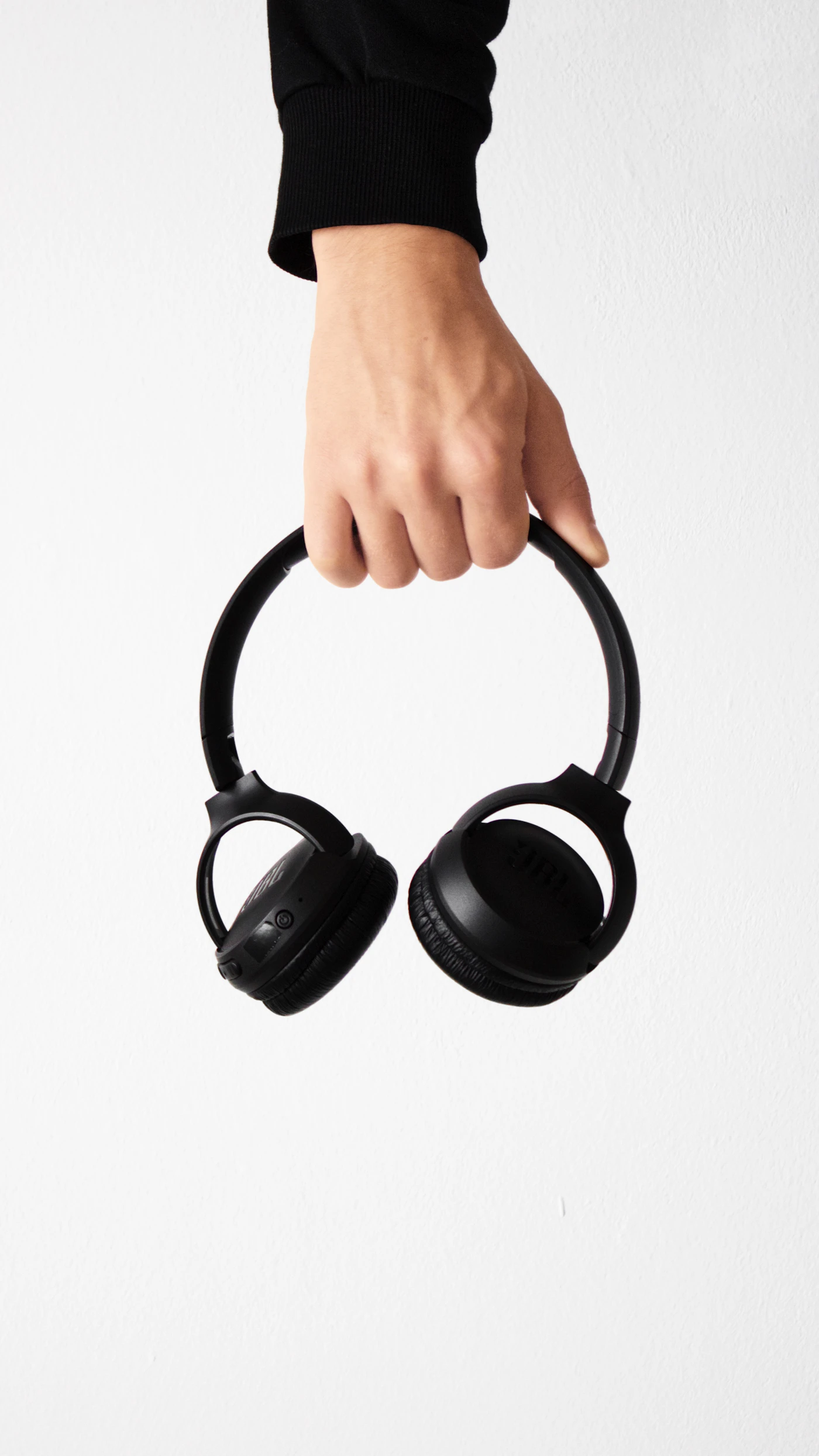
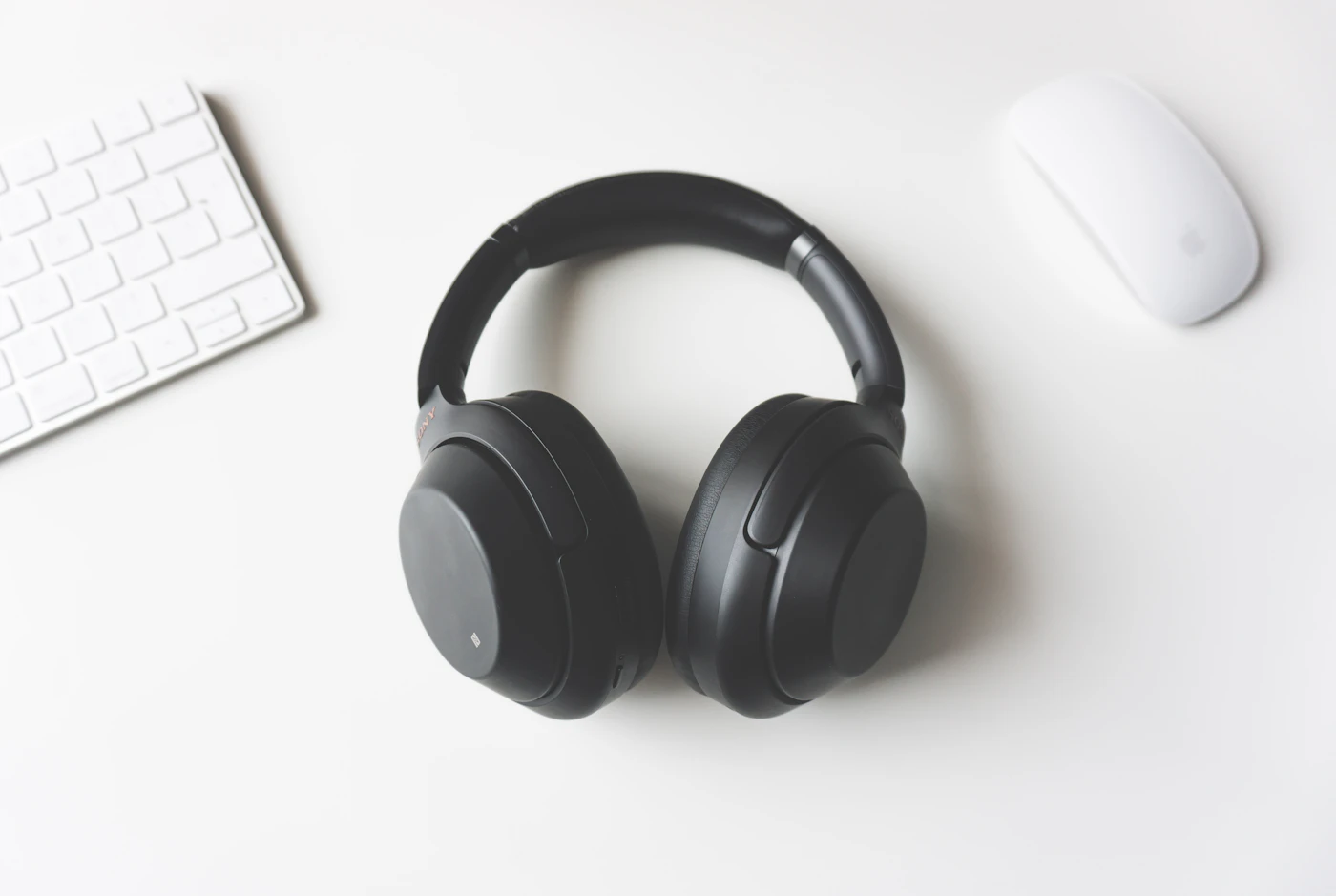
You roll your chair back to reach a shelf and a cable tugs at the keyboard. The next day, you try wireless headphones and discover that they need charging just as a long meeting starts. These are different kinds of friction. The better desk purchase is the one whose inconvenience fits your routine, not the one with the longest feature list.
Choose wired when you stay seated, value a direct connection, and want to remove headphone charging from the day. Choose wireless when moving around the room is a repeated requirement. If speaking on calls is the main task, evaluate a headset separately from a listening headphone. This comparison uses manufacturer specifications and workflow reasoning rather than measured latency or sound tests.
Inspect the desk before buying
Look behind the monitor and beside the computer. Does the device have a headphone output? Does a dock provide a different audio connection? Which USB ports remain available when the keyboard, storage drive, and webcam are attached? A quick port inventory prevents discovering a missing adapter at checkout or delivery.
| Desk habit | Wired implication | Wireless implication |
|---|---|---|
| Mostly seated listening | Direct cable can be simple | Mobility may add little value |
| Frequent trips across the room | Cable must be removed first | Movement is more convenient |
| Calls on laptop and phone | Separate inputs may be necessary | Check multipoint and call priority |
| Existing USB microphone | Easy to keep listening and input separate | Select the intended input in the app |
| Sparse USB ports | Analog output can preserve a port | A matched receiver may occupy one |
| No headphone jack | Budget for a compatible adapter | Verify computer Bluetooth support |
The table does not promise that every wireless connection is reliable or that every wired setup is effortless. It identifies the parts of the system you should check.
A straightforward wired shortlist
Audio-Technica’s ATH-M50x is a closed-back over-ear example with detachable cables and a folding design. The cables provide a listening connection without a headphone battery. That can suit a desk where the headphone remains next to a monitor and is used for music, editing, or casual video viewing.
The important limitation is the microphone. The standard included cables do not provide one, so a laptop microphone or separate input is required for calls. Check that microphone’s pickup from your usual sitting position. A headphone purchase does not automatically solve the outgoing audio path.
Cable length also deserves attention. Excess cable can gather under wheels or hang over a hot drink, while a short cable can pull when you turn. Choose the suitable included cable where available and route it along the desk edge. Avoid sharply bending it or yanking it by the cord when disconnecting.
Wireless is useful when movement is real
If you regularly stand to pace during calls or switch between a desk and a nearby workbench, wireless has a clear purpose. Sony’s WH-1000XM6 offers a consumer over-ear example with multipoint and an analog input listed in its specifications. Check the manual before assuming the wired connection preserves every microphone or processing function.
For call-centered work, Jabra’s Evolve2 65 Flex offers a professional headset arrangement and a matched Bluetooth USB adapter in its published bundles. Confirm the connector and platform version. A USB-C charging socket on a headphone does not, by itself, mean that the socket carries computer audio.
Make charging boring and predictable. Choose a fixed storage spot with the appropriate cable nearby. If the headset must be available every morning, check the charge while closing the computer the evening before, following the manufacturer’s instructions. Avoid buying a second wireless pair merely because the first has no charging routine.
Do not buy a DAC just to complete a shopping list
A headphone amplifier or USB audio adapter can be useful when it addresses a specific connection or output problem. It is not mandatory for every wired headphone. First use the computer’s compatible output, select the correct audio device, and listen at an ordinary level.
If you hear an identifiable problem or need a missing connector, research that requirement. Keep a record of the computer, headphone, cable, and desired input. This is more useful than ordering several accessories with attractive specifications and hoping one improves the setup.
Check the complete signal path
Before the return period closes, play a familiar video and take a sample call. Confirm the intended speakers and microphone in both operating-system settings and the application. Unplug and reconnect the chosen connection, restart the computer, and check whether the routine remains clear.
For wireless, test after your phone has also connected. A notification or incoming call may change the active source. If that is distracting during work, check whether the second connection can be disabled. For wired, move your chair normally and inspect whether the cable catches on anything.
Questions buyers often miss
Does wired automatically mean no delay anywhere? A cable removes the Bluetooth link, but software and the source application still belong to the system. Avoid buying from a blanket promise about all possible tasks.
Can a charging cable replace an audio cable? Only when the exact headphone supports audio through that connection. Check the published manual and supplied accessories.
Continue with headphones for video meetings and Bluetooth multipoint explained before comparing products for a mixed work-and-music desk.
Sources
Checked October 4, 2026: Audio-Technica ATH-M50x, Sony specifications, and Jabra Evolve2 65 Flex.
EXPLORE THE OPTIONS
Products worth a closer look
Compare the current specifications, local availability, and returns policy before deciding.
Sony WH-1000XM6
Best fit: Commuters who prefer over-ear headphones; A phone and laptop listening setup.
Why consider it: Wired listening offers another connection option; Multipoint supports two-device workflows.
The tradeoff: Over-ear storage takes more space than an earbud case; Fit with glasses requires an individual check.
Jabra Evolve2 65 Flex
Best fit: Laptop meetings; Hybrid workers comparing a purpose-built headset.
Why consider it: A boom microphone provides a dedicated voice input arrangement; A matched adapter can simplify the laptop connection.
The tradeoff: USB connector and platform variant must be checked before purchase; On-ear comfort is personal.
Audio-Technica ATH-M50x
Best fit: Wired listening at a desk; A headphone setup without battery charging.
Why consider it: No headphone battery to charge; Cable can be removed for storage or replacement.
The tradeoff: Standard included cables do not supply a microphone; Replacement cable must fit the headphone connection.
Sources & editorial notes
Manufacturer information checked on October 4, 2026. Features can vary by model and country. Confirm the exact version before purchasing. Lifestyle photos illustrate the setting; they do not document product testing.
- audio-technica.com — reference information
- sony.com — reference information
- jabra.com — reference information